Menus & QR codes
What are the benefits of a QR code menu for restaurants?
A daily special changes, a dish sells out, guests wait for a menu: here is where a QR code menu actually helps a restaurant.
Change dishes and prices when you need to
Your daily special changes just before lunch? Edit the menu in Swizee, check the preview and publish the update. The QR codes already on your tables then open the current menu. You do not have to collect old paper copies or explain to every table why a dish on the printed menu is no longer available.
The same applies to a price, a side dish or a new seasonal menu. You can prepare changes ahead of time and decide when to publish them. The printed QR code stays the same.
A sold-out dish does not stay on the menu
The kitchen has just served its last portion of tartare. If it stays on the menu, your team has to tell each new table that it cannot be ordered. In Swizee, mark it unavailable. Guests opening the menu see the change without you rebuilding the whole page.
When the dish is back, make it available again. There is no need to replace the menu or the QR code on the table.
Guests can read the menu as soon as they sit down
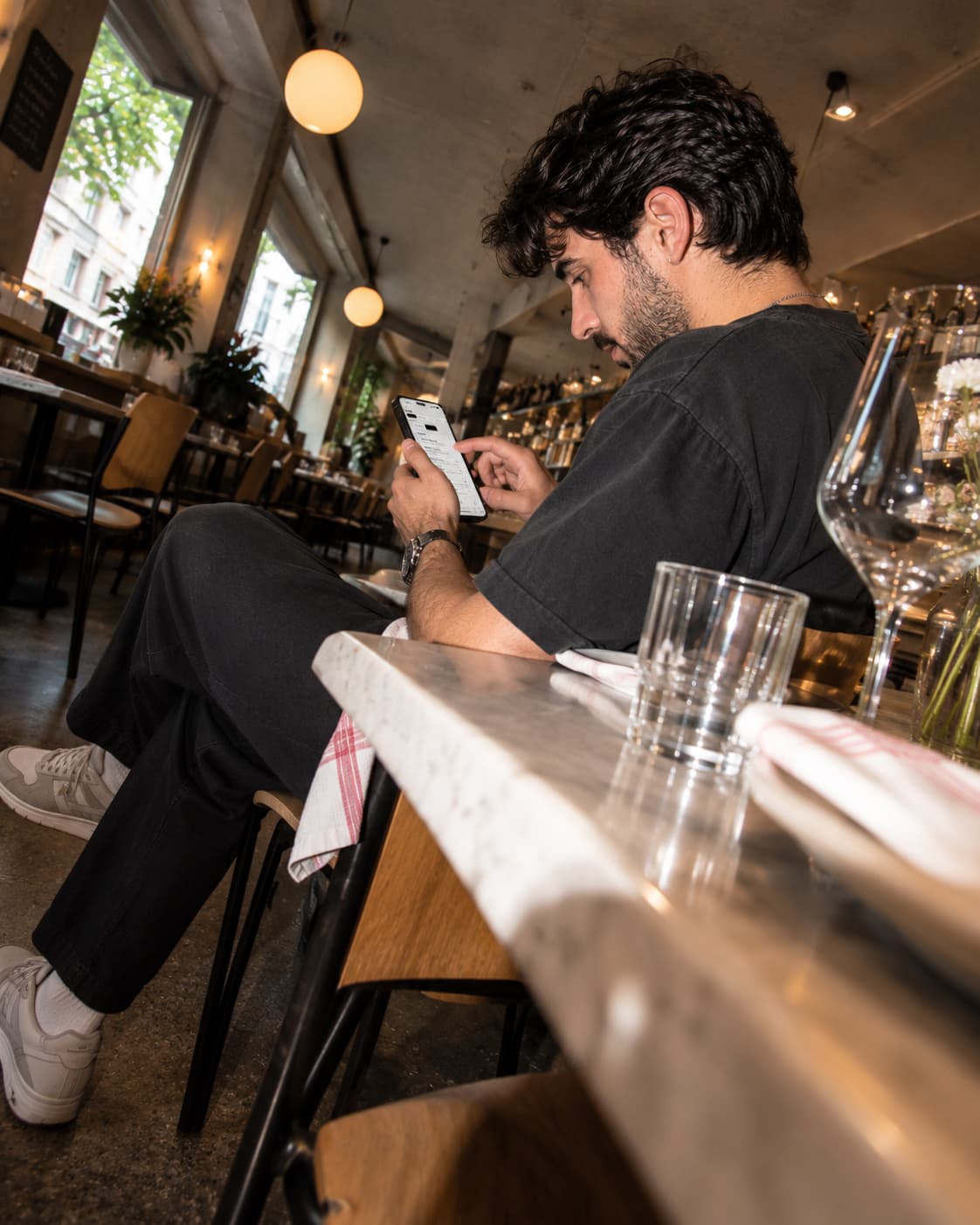
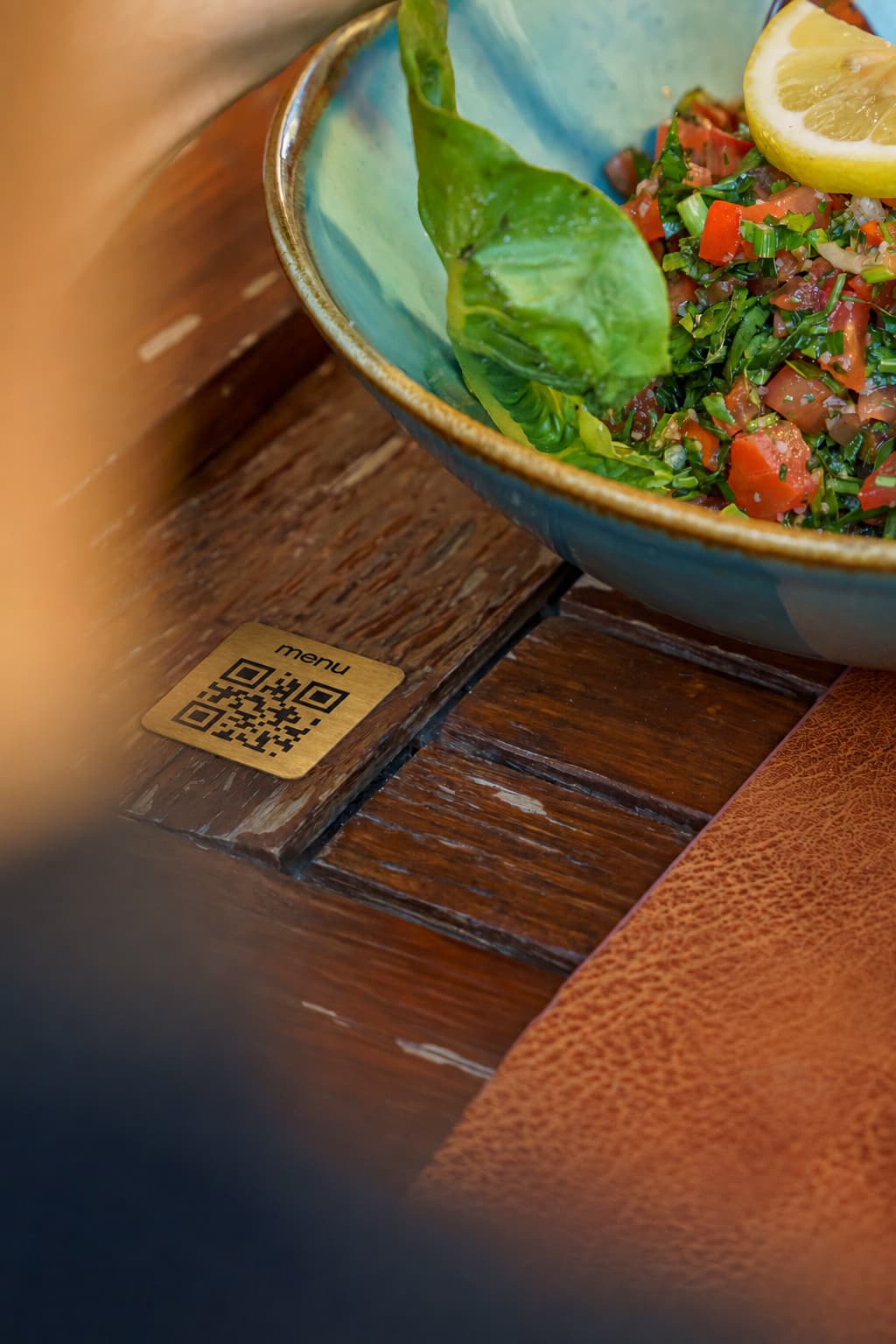
A table arrives during a busy service. Guests can already browse starters, drinks and prices: one scan opens the menu in their phone's browser, with no app or account. You can share the same link on your Google profile or Instagram so people can look before visiting.
Your team does not have to hand a menu to every guest before they can start choosing. It still has time to explain a dish or suggest a wine. Swizee displays the menu; it does not take orders or payments at the table.
Reprint your menu less often
You have thirty tables and change dishes regularly. With a paper menu on each table, every update means printing and distributing new copies. With Swizee, you update dishes and prices behind the QR codes already in place. The same displays can serve your next menu too.
This can reduce reprinting and the time spent replacing menus. Whether it saves you money depends on how often you used to print: QR displays and the digital service also have a cost. Keep some paper menus for guests who prefer them.
Update your menu without reprinting QR codes
Create my preview →Help visitors understand the dishes
Two visitors are choosing between local dishes they have never tried. Reading a description in a language they know can help, especially when the restaurant is busy. Depending on your Swizee plan, you can offer the menu in other languages.
Check translated dish names, ingredients and allergen information before publishing. Automatic translation can miss an important detail. The menu gives guests a useful starting point; your team is still there for questions.
Paper menus still have a place
Some guests do not have a phone ready or simply prefer reading a printed menu. Give them that option. A QR code makes updates easier; it does not require you to stop using paper.
If your menu hardly ever changes, a good paper menu may remain your main format. A QR code is most useful when dishes, prices or languages change often.
How can you try Swizee in your restaurant?
Start with one menu. Add your dishes and prices in Swizee, or import your PDF and correct the result. Open the preview on your phone: can you quickly find the price of a drink and today's special? Creating and previewing are free.
Once the menu is ready, choose a plan to publish it. Put one QR code on a table and ask two people to scan it under your usual service lighting. If the menu is easy to read, add more displays. If something gets in the way, improve the menu or move the QR code first. You can also see a real Swizee menu.
Questions about this topic
Does the QR menu replace paper?
No. Offer both and let guests choose.
Can guests order or pay with Swizee Menu?
No. Swizee Menu shows dishes and prices. Your team still handles orders and payments.