QR code menus and digital hotel guest guides

Everything you can do with Swizee

Create a QR code menu for your restaurant or a digital guest guide for your hotel. Customise, translate and update your content without reprinting your QR displays.

Swizee features

Import your menu

Upload the menu you already have. Swizee picks out the dishes, the descriptions and the prices on its own.

Automatic translationPro

Your menu appears in each guest's language: English, French, German or Italian.

Dynamic menusPro

Lunch, dinner or bar: the right menu appears by the hour, on the same QR code.

Allergens & diets

Set the allergens and diets on every dish.

Photos

Add a photo to your dishes and drinks, so your guests know what to expect.

Branding

A menu in your venue's colours and typeface.

Digital guest guides for hotels and inns

And for hotels

Swizee also becomes your hotel's stay guide. Guests open it by scanning the QR code in their room and find everything they would otherwise ask reception.

Wi-Fi, check-in and check-out, restaurant, room service, spa: fill in what guests need, then add your own sections to recommend the city, explain how to reach you, or present your services.

See a real hotel guide
Two friends in bathrobes in their hotel room, reading the guide on a phone

Every other feature you will not want to give up

The menu

Sections and subsections
Organise your menu into sections, then subsections — Wines, then Valais.
Drag and drop
Reorder sections and dishes by moving them.
Several menus
Create as many menus as you need: food, wine, cocktails, desserts.
Seasonal menusPro
Make a menu available only between two dates.
Three ways to show a dish
On one line, highlighted, or large with its photo.
My selection
Guests note the dishes they like. Nothing is sent to the kitchen.
Import from a spreadsheet
Add your dishes from an Excel or CSV file, or by pasting a table.

Dishes, prices & availability

Formats and variants
The same product by the glass or by the bottle, each with its own price.
Extras
Add paid options alongside a dish.
Serving sizes
Show 1 dl, 250 g or 6 pieces.
Alcohol content
Show the strength of your wines, beers and cocktails.
Dish of the day
Put one dish forward for the day.
Daily or weekly boardPro
Schedule your suggestions in advance.
Sold out
One tap, and your guests see it as soon as they open the menu.
Hidden dish
Take a dish off the menu for a while without deleting it.
Price by servicePro
The same dish can cost differently at lunch and at dinner.
Allergens and traces
All 14 allergens and any traces, on every dish.
Six diets
Vegetarian, vegan, gluten-free, lactose-free, local produce and homemade.

Appearance & languages

Logo
Your logo at the top of the menu.
Six ambiances
Swizee, White, Cream, Stone, Forest and Night, in every offer.
Colours, backgrounds, corners and bordersPro
Match the menu to your identity.
Your own typefacesExpérience
Use your brand's fonts.
Signature hiddenExpérience
Remove the “Powered by Swizee” line.
Four languages
English, French, German and Italian, the guest chooses.
Translations kept currentPro
Change a line and the translation follows.

QR codes & statistics

A QR code that stays
It does not change when your menu changes.
QR code as SVG or PNG
Download it and print it yourself.
A QR code for your experience
Publish new content without reprinting your supports.
Stickers and plaques
Resin or metal signs, delivered in Switzerland.
Scans
Follow how often your menu is opened.
Languages used
See which languages your guests read in.
Devices used
See what kind of devices open your menu.

Account

Free preview
Build your menu and look at it before choosing an offer.
Two-factor sign-in
Protect your account with a second factor.
An extra restaurant or barExpérience
Its own menu with its own QR code, linked to your hotel.

Stay guide

Welcome messageExpérience
Greet your guests the moment they open the guide.
Cards in three sizesExpérience
Give your most important services the room they deserve.
Live opening hoursExpérience
Guests see whether a service is open right now.
BookingExpérience
A link or a phone number to book a service.
Linked menusExpérience
The restaurant and room service point to their Swizee menu.
Late check-outExpérience
Say whether you offer it and how to ask.
ContactsExpérience
Call, WhatsApp and email to reception.
Emergency numbersExpérience
The Swiss numbers 112, 144, 117 and 118.
Translated guideExpérience
Guests read the guide in their own language.
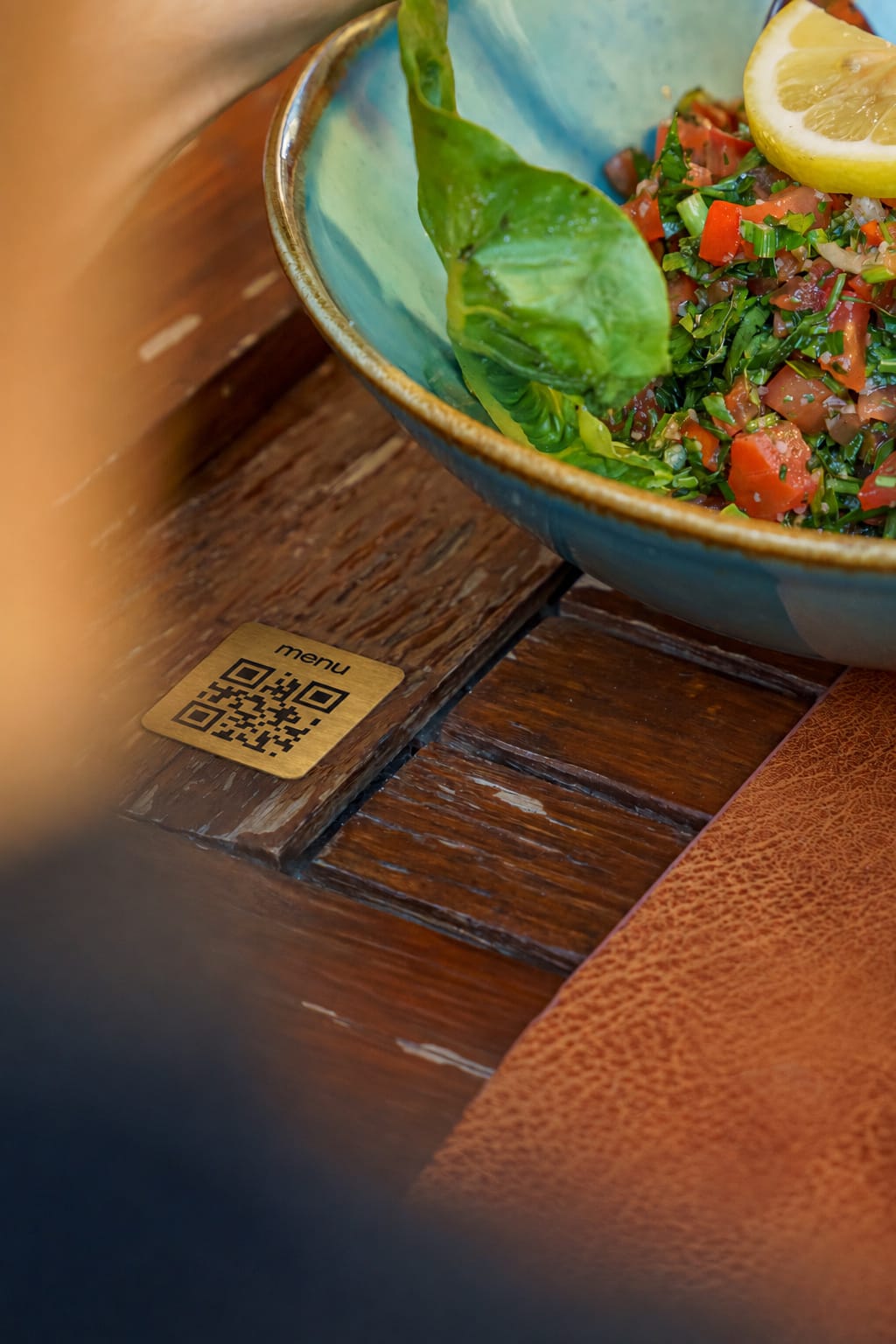
A metal Swizee QR code plaque on a restaurant table, next to a dish
Your
first hard-wearing QR code stickers on us*

Your menu changes. Your QR code stays.

Change your menu as often as you need without replacing the QR codes already on your tables.

Your first hard-wearing QR code stickers on us*

Features · Swizee