Menus & QR codes
How can you put a restaurant menu online without a website?
Swizee hosts your menu on a public page: create it, publish it and share its link without building a restaurant website.
In three steps
Build your menu
Prepare it in Swizee for free without building a website.
Publish its page
Choose a plan; Swizee hosts the menu at a public address.
Share the link
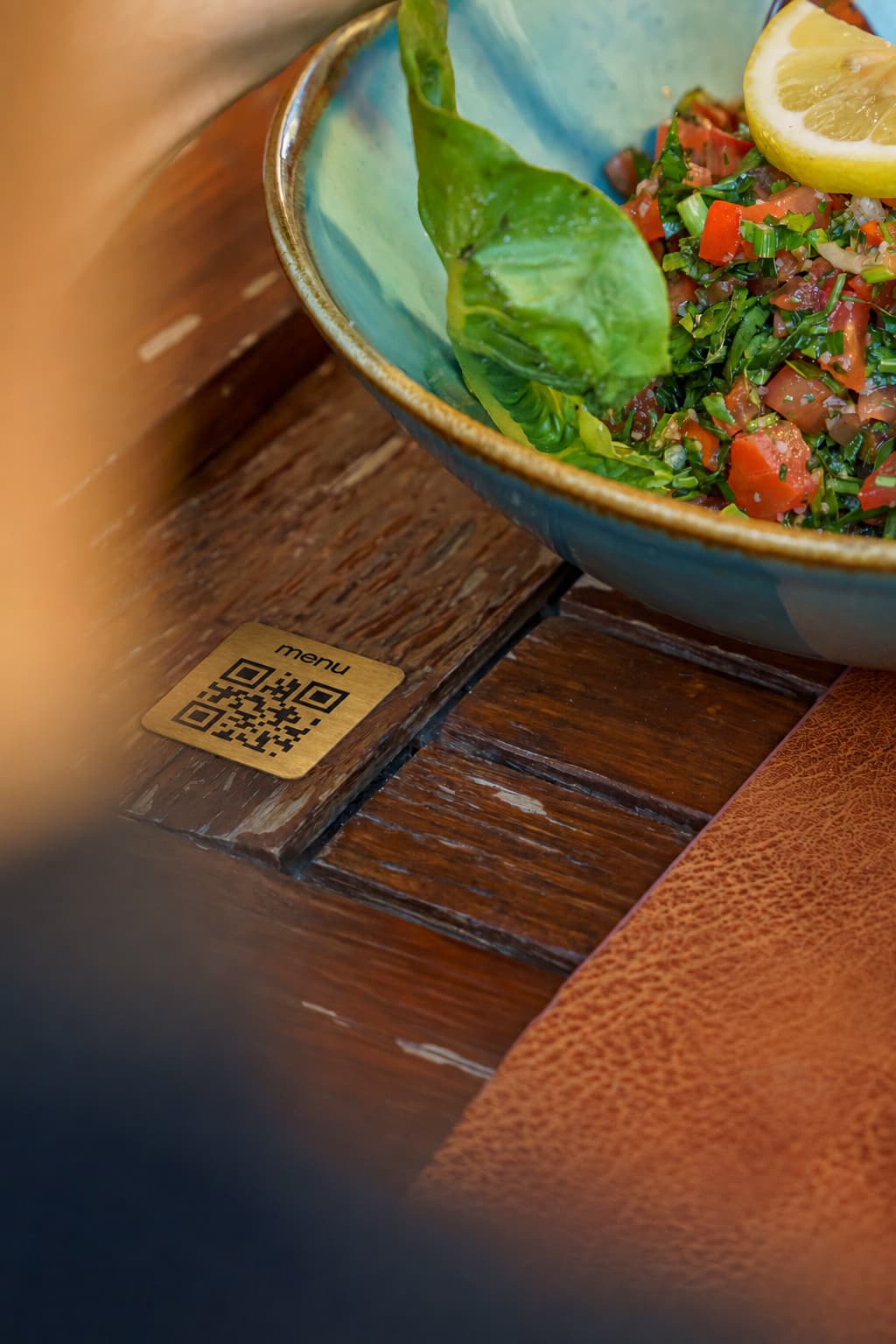
Use it in your profiles and put the permanent QR code on your tables.
Choose a public address you can maintain
A menu needs an accessible place on the internet, not necessarily a custom-built website. A hosted menu page, public PDF or simple information page can work. Update frequency and reading comfort help determine the choice.
Open the address in a private browser window and on another phone. A document requiring permission is not suitable for tables. A temporary download link also makes a poor destination for long-lived printed supports.
Create the account with an email address controlled by the business. If a supplier prepares the page, make sure you can later edit it and recover access. Continuity often depends more on this organisation than on an attractive link name.
Three hosting options
| Option | Advantage | Check |
|---|---|---|
| Public PDF | Reuse an existing menu quickly | Phone reading, permissions and stable address |
| Swizee Menu | A phone-friendly menu with dishes, prices, photos and a permanent QR, without building a website | Free creation and preview; subscription required to publish. Languages depend on the plan |
| Small restaurant website | Combine story, hours, reservations and menu | Setup time and maintenance responsibility |
If making the menu available is urgent, building a complete website need not delay it. A later website can link to the same menu page. Different domains need not confuse guests when the venue and destination are clear.
Check your menu before sharing the link
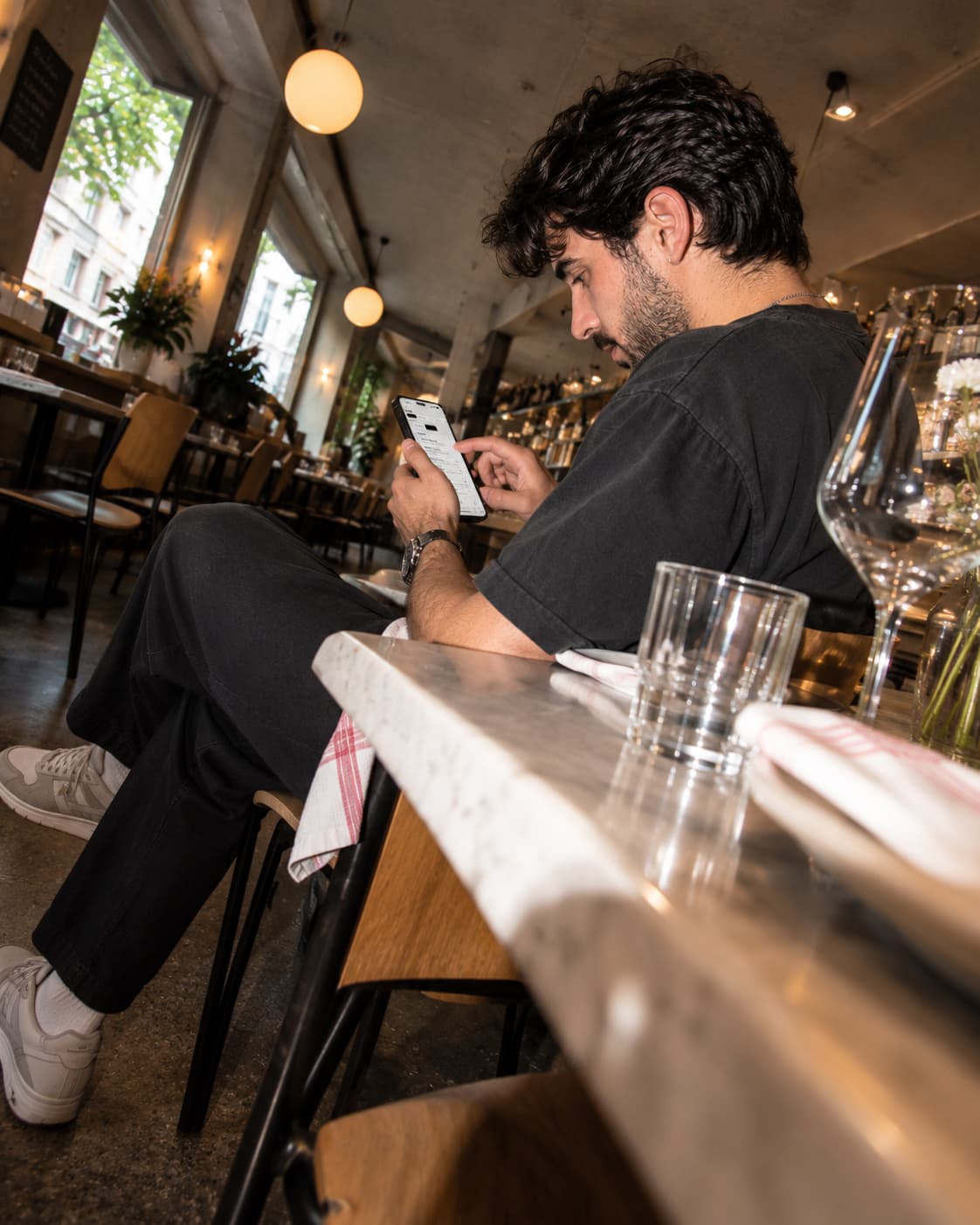
Open the menu on your phone as a guest would. Can you immediately see the restaurant name, dish categories and prices? Do the photos and descriptions match what you serve today? If you run several venues, check that each link opens the right menu.
Link to a current menu rather than scattered old photographs on social media. A past story is not a dependable menu archive. If menus follow schedules, check what someone sees when opening the link outside those hours.
Each published Swizee experience has a public address and permanent QR. Menu presents food and drinks; Stay presents hotel guest information. The menu page is not a reservation engine and does not accept table orders.
Add your menu link to Google, Instagram and tables
Once your Swizee menu is published, copy its public link. Add it to the Menu field on your Google Business Profile if available. The Google menu editor guidance shows how. Open the link on another phone to check what guests see.
- Put a clearly labelled menu link in the venue’s social profile.
- Use a story to announce changes and link to the current menu.
- Print a table or window QR only after testing a sample.
- Give service staff the public link for menu enquiries.
- Add a “View menu” button to the same destination when you build a website.
Distinguish menu, review and reservation links. A button should say precisely what it opens, avoiding unnecessary detours and incorrect expectations.
Swizee gives your menu its own web page
Create my preview →Keep a small link register
A table with placement, destination, owner and check date is enough. For example: Google profile → public menu; Instagram → same menu; window QR → correct experience; booking platform → menu field if offered.
Check these on a phone whenever the seasonal menu changes. An old PDF photograph can remain online even when the web menu is correct. Update what you control and report inaccurate information through the platform’s own process.
Explain the difference between a preview and public address to the team. This prevents an editing link being shared accidentally. Keep the correct link in a common, easy-to-find place.
Separate access from discovery
A public menu lets someone read it. It does not guarantee new guests will discover your restaurant on Google. Your business profile, local information, reviews and other channels still matter. Your supplier’s search visibility and your restaurant’s visibility are different things.
Prepare, check, publish and then share. In Swizee, creation and preview are free; publication needs a paid plan. Verify the most-used entry points first rather than distributing links everywhere at once.
After a week, ask service staff what questions remain. Are drinks hard to find? Are prices unclear? Fix these concrete obstacles. A good online menu remains easy to find, read and maintain.
Questions about this topic
Do I need to buy a domain?
Not for a Menu page hosted by Swizee. The QR opens the experience’s public address.
Can I add a website later?
Yes. It can link to the published menu without requiring you to recreate its content.