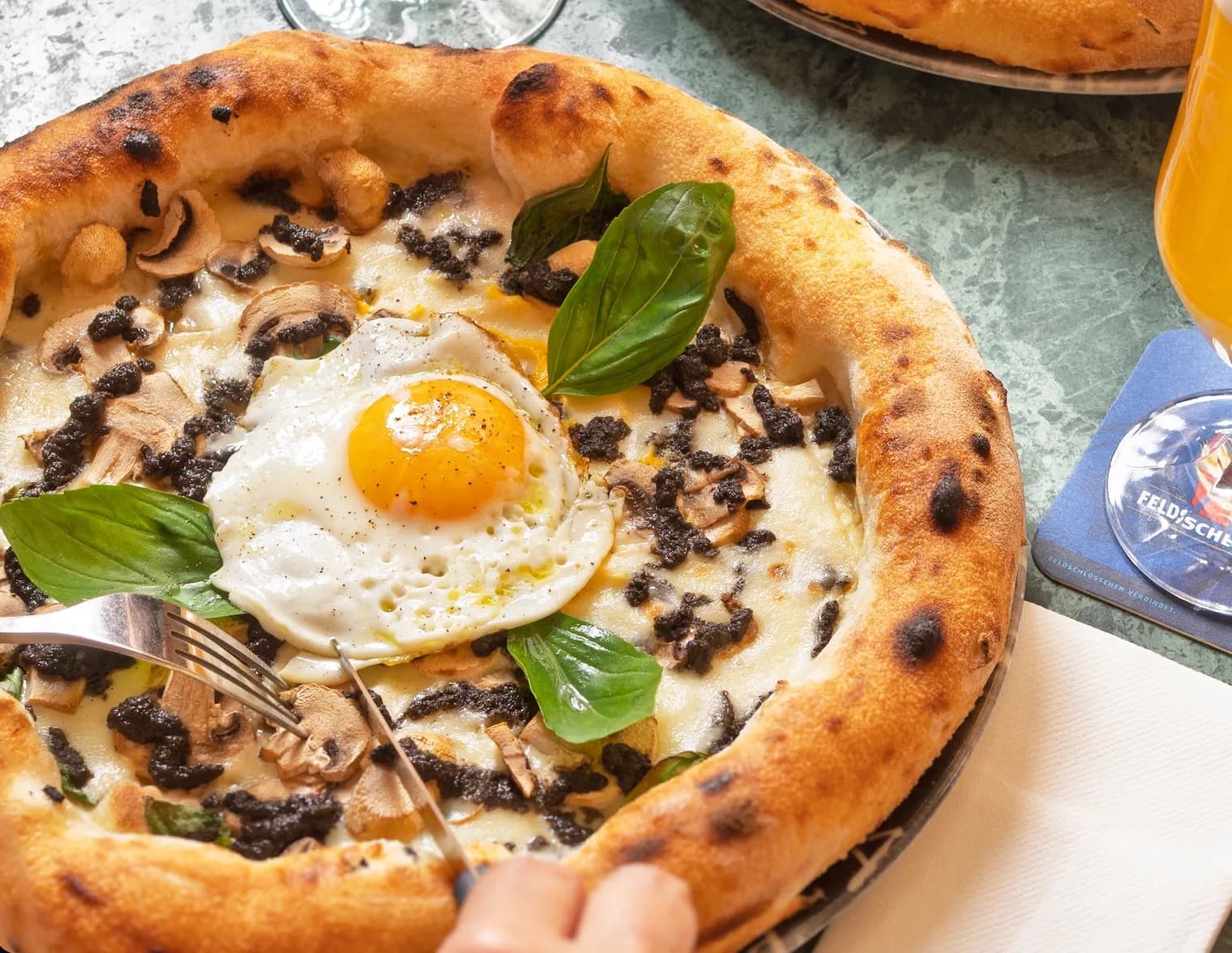
Visibility
Instagram for restaurants: what should you post to inspire a visit?
A realistic content calendar with examples: connect dishes, atmosphere, people and practical details to your current restaurant menu.
Give each post a purpose
An appetising photograph does not necessarily explain when someone can visit. Choose one action: discover today’s dish, open the menu, understand the evening atmosphere or learn about an exceptional closure.
Read the details
A neighbourhood café and a destination inn have different needs. The café may help regulars plan tomorrow’s break; the inn may need to show access, hours and a weekend setting. Start with real guests and questions.
Update the profile with a recognisable name, town, short description and relevant link. If you promise a menu, the link must open the correct public version without a professional login.
Alternate four types of content
| Type | Example | Include |
|---|---|---|
| Food | Seasonal dish before service | Name and actual availability |
| Place | Terrace table or evening room | Context and useful access details |
| Work | A preparation step or team member | Clear explanation and permission |
| Practical | New menu or special hours | Date, conditions and relevant link |
Read the details
This variety avoids ten nearly identical plates. It does not require turning the team into a production studio. A clear photograph with a concrete explanation can be more helpful than a long video with little information.
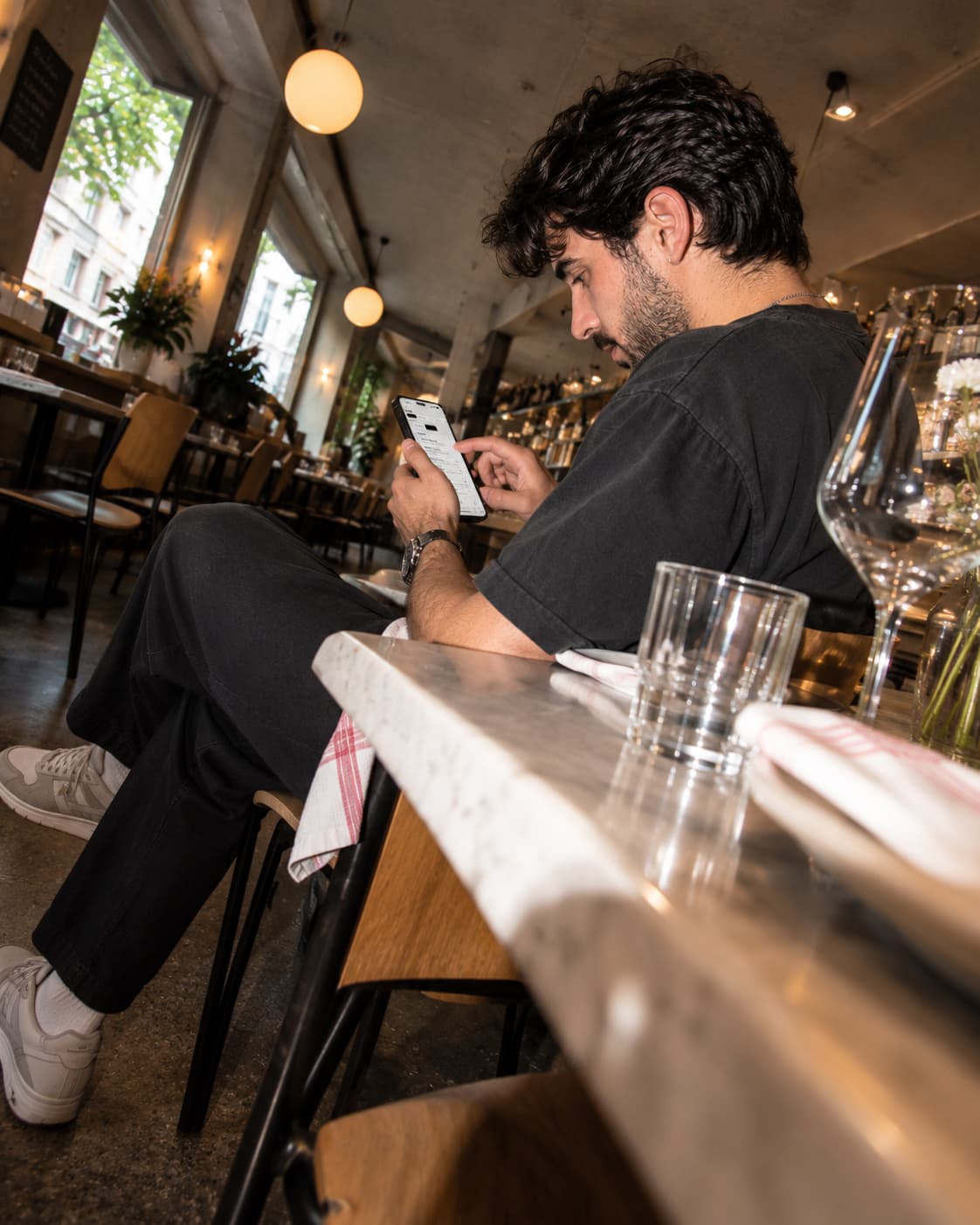
An example two-week plan
This is an editorial starting point, not an optimal frequency guaranteed by Instagram. Adapt it to your operation and available time.
- Week one, Tuesday: seasonal dish, main ingredient and menu link.
- Thursday: a view explaining the evening atmosphere.
- Saturday: a short preparation moment without disrupting service.
- Week two, Tuesday: a frequently requested drink or dessert.
- Thursday: a practical answer such as terrace access.
- Sunday: announce the next menu only if its start date is confirmed.
Read the details
Group photography into a quiet period and save images with dish name and date. This helps prevent promoting a special that has already ended.
Write captions that provide information
A fictional example: “Mushroom risotto joins this week’s evening menu, with sautéed mushrooms and Parmesan. Find the full menu and prices through our profile link.” It explains the dish and availability without inventing origin claims.
Read the details
For closures, give the full date and reopening. For team pictures, explain the person’s role with permission. For dishes, check that the photographed accompaniment matches what is served.
Do not leave essential details only in tiny lettering inside an image. The caption should make sense independently. Use available alternative-text fields to describe the visual. A long hashtag list cannot replace useful information.
Lead people from your post to the current menu
Create my preview →Connect Instagram to the menu
Someone who likes the photograph may want to see other dishes and prices. Make the profile link serve that intention. If you use a multi-link page, make “View menu” obvious and test the number of steps.
Read the details
You can share a published Swizee menu directly. Publish changes before announcing them. If a post describes the evening menu, check what a lunchtime click shows when menu schedules are enabled.
Do not make someone looking at a phone use a QR embedded in an image when a clickable link is available. QR codes suit physical supports; direct links suit a digital journey.
Measure what helps you decide
Record reach, profile visits and link actions where your account provides them. Add questions and comments received by staff. A click is not a reservation, and a reservation is not yet a completed visit.
Read the details
Meta provides guidance in the Instagram professional dashboard. Consult what is available for your account instead of following a universal posting formula.
After a month, compare content types. Keep those that prompt useful responses and remain feasible to produce. If people constantly ask for menus and hours, fix the profile and links first. A small maintained plan is more useful than a large abandoned calendar.
Questions about this topic
Must I post every day?
Not necessarily. Choose a sustainable rhythm and observe results relevant to your venue.
Should every post contain prices?
Prices should be correct and easy to find. A current menu link avoids scattered versions that are hard to maintain.